
- 100% free
- No sign-up
- Image never uploaded
Photo to Pixel Art
Turn any photo or drawing into crisp pixel art, or into a fuse bead pattern with pegboard charts and bead counts. Pick the size and palette, download as PNG or PDF. Free, no sign-up.
A photo, a drawing or a logo. Simple pictures with clear shapes make the best pixel art.
JPG, PNG or WebP. Your photo stays on this device.

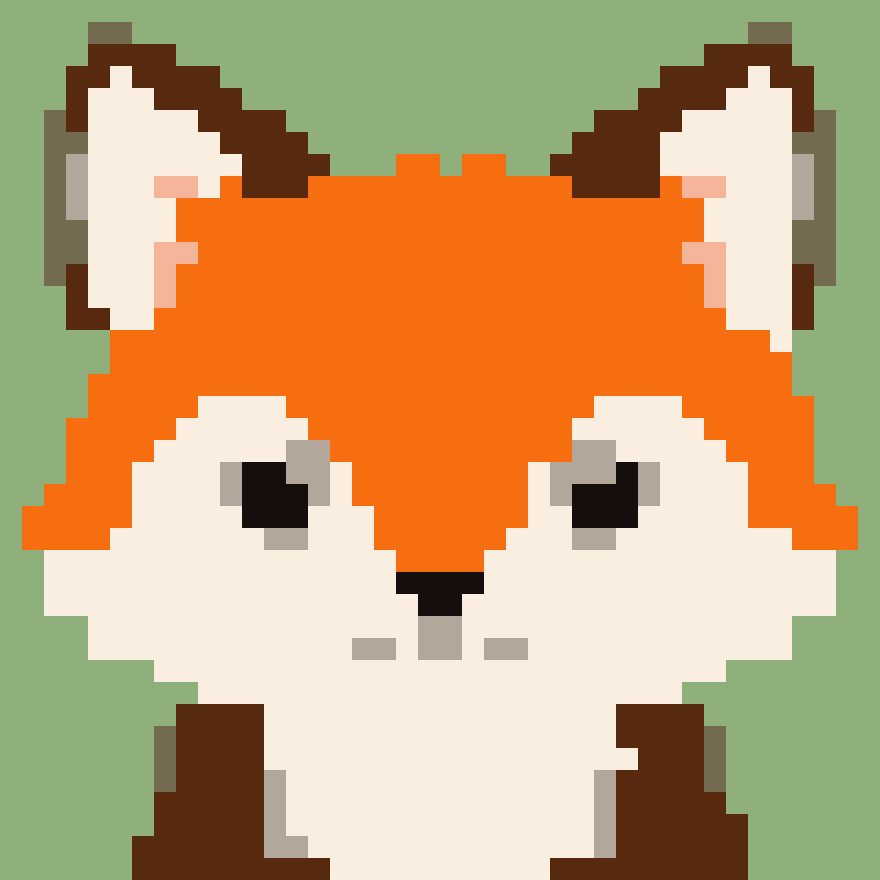
Pictures turned into pixel art and bead patterns
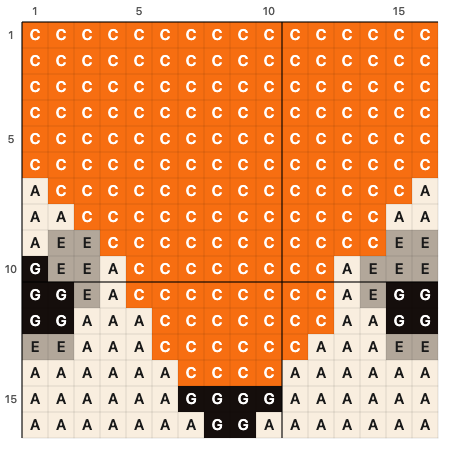
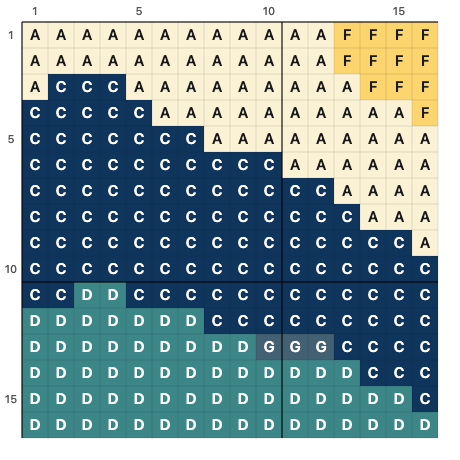
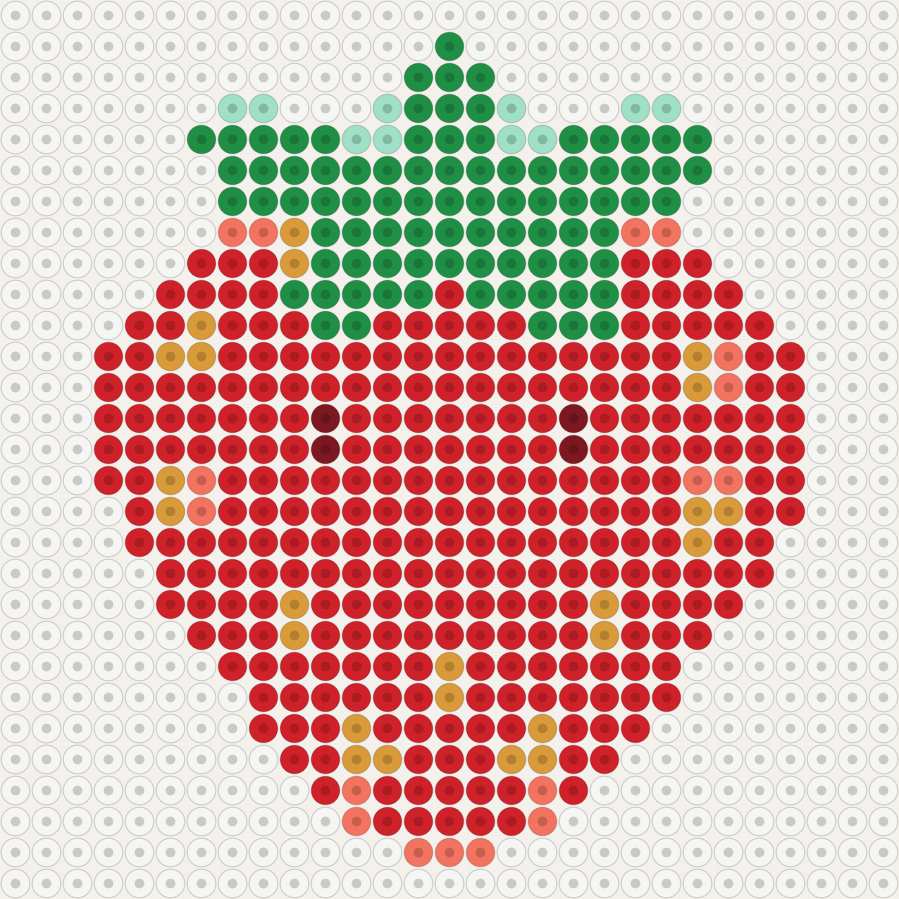
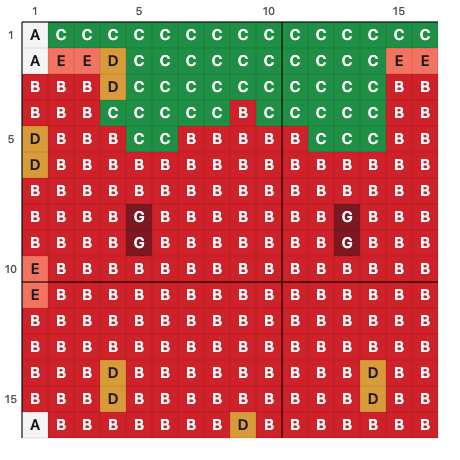
Straight from the tool, with a piece of the chart.
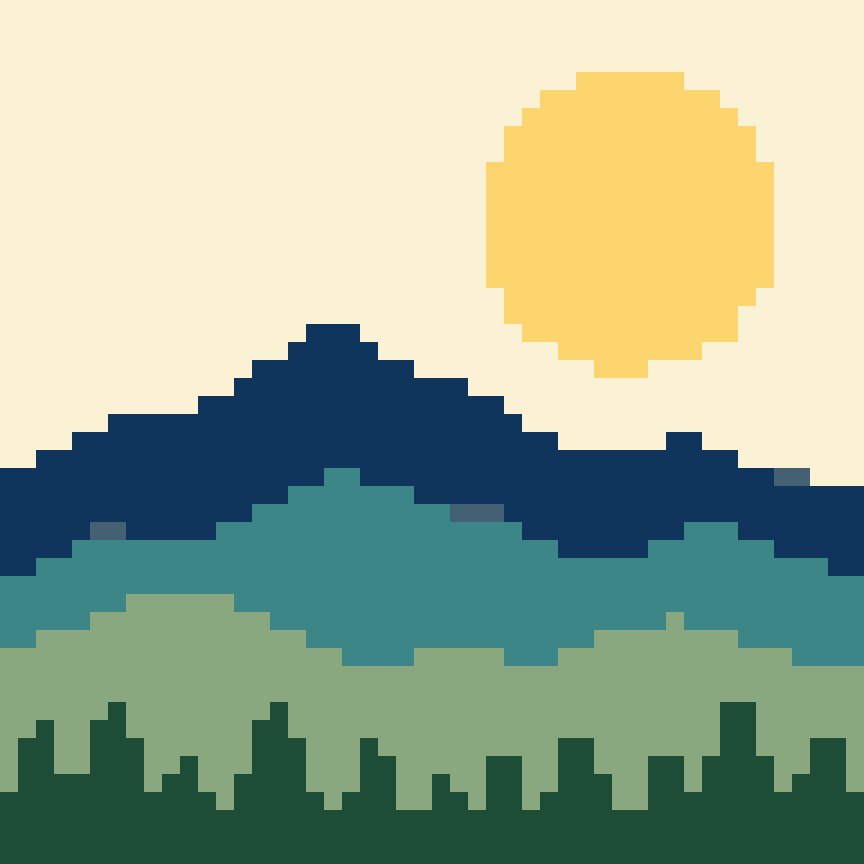
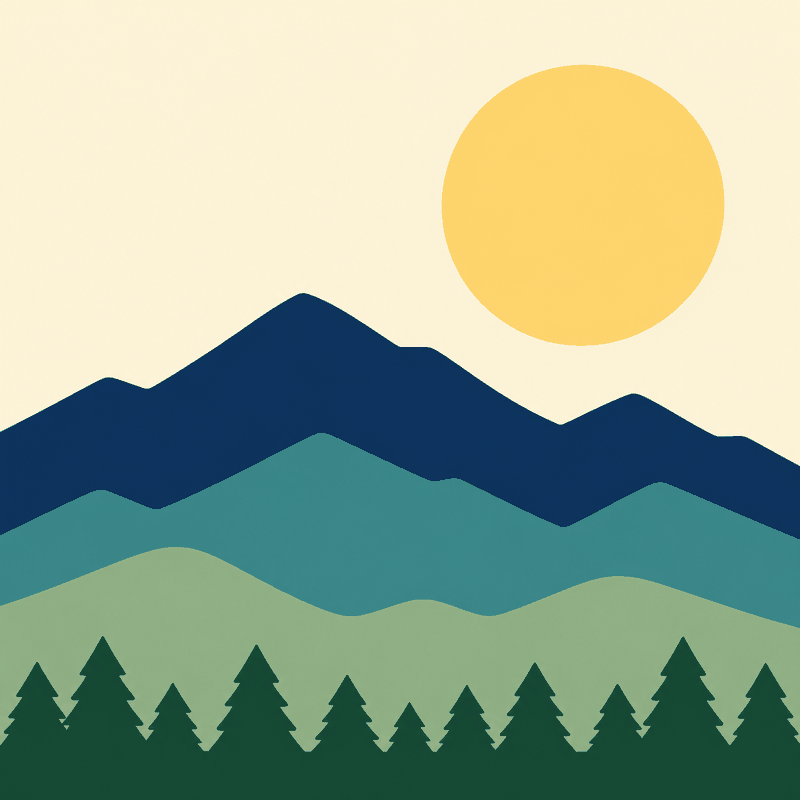

From picture to pixel art in three steps
- 1
Pick a picture
A photo, a drawing, a pet or a logo. Crop to the part you want.
- 2
Choose size and palette
Set how many pixels across, the number of colors and a palette: the picture's own colors, fuse bead colors or a retro palette.
- 3
Download
Save crisp pixel art as PNG (exact pixels or 8× bigger), or a printable bead pattern with a chart for each pegboard and bead counts.
How the pixel art is made
Your picture is divided into a grid, one square per pixel. Each square takes the average color of that part of the picture, and then the colors are reduced to the number you choose by grouping similar shades together. Single stray pixels are cleaned up so edges stay crisp, the way pixel artists draw by hand.
Pick a palette to set the look:
| Palette | Look |
|---|---|
| Colors from the picture | Closest to the original |
| Fuse bead colors | Every pixel is a real 5 mm bead color |
| 16-color retro | Bright, classic game-console colors |
| 4-shade green | Old handheld console look |
| Grayscale | Black, white and grays |
Turn on Dithering for retro shading with mixed pixels, and Remove plain background for a transparent background (great for sprites and stickers).
Fuse bead patterns
Choose Fuse beads and the pattern is made with 5 mm bead colors, shown as round beads. The chart has bold lines every 29 beads, the size of a standard square pegboard, and the PDF tells you how many boards you need and how many beads of each color.
A design 29 beads wide fits one board (about 14.5 cm across); 58 fits two. The colors are common fuse bead colors with plain names, so you can match them to whichever 5 mm beads you have, such as Perler, Hama or Artkal.
Tips for great pixel art
- Fewer pixels, more charm. 32 to 64 pixels across gives the classic look; more looks like a mosaic.
- Simple pictures work best. Faces, animals, logos and icons with bold shapes keep their character at low resolution.
- Limit colors to 8 to 16 for a hand-made feel.
- Use the 8× PNG for sharing: it stays crisp instead of blurring when scaled up.
Frequently asked questions
Is it free?
Yes. Every setting and every download is free, with no sign-up and no watermark.
What sizes can I make?
From 12 to 160 pixels across. The height follows your picture. Download the exact pixels, or an 8× bigger PNG that stays sharp when you share it.
Does it make fuse bead patterns?
Yes. Choose Fuse beads and you get a pattern in 5 mm bead colors with a chart for each 29 × 29 pegboard and the number of beads of each color. It works with Perler, Hama, Artkal and other 5 mm fuse beads.
Can I get a transparent background?
Yes. Turn on Remove plain background and pixels from a plain background are left empty, so the PNG has a transparent background.
Is my image uploaded?
No. The pixel art is made in your browser and your image is saved only in this browser, so your work is still there if you come back. Nothing is sent to our server.
Can I use the pixel art commercially?
Yes, if you have the rights to the picture you started from. The pixel art you make is yours.
Ready to turn a picture into pixel art?
100% free · No sign-up · Image never uploaded